Keep a Mac window in view
Pocket Screen keeps a live reference window visible while you work in another app—useful for dashboards, source documents, or checking a running task.
Simple utilities designed to make everyday work and daily life clearer, smoother, and easier.
Find an app by the job you need to do
These are individual products with different platforms and purposes. Explore a product page to see its actual workflow, requirements, and support information before choosing a tool.
Pocket Screen keeps a live reference window visible while you work in another app—useful for dashboards, source documents, or checking a running task.
Pointer Cue highlights clicks, the pointer, an active window, or a chosen area during a demo without making the presenter draw annotations.
AI Study Sheet turns photos and PDFs into masked recall practice while keeping the original worksheet layout; reminders and study history help you return.
KoeSub shows live English-to-Japanese subtitles for Mac audio and supported microphone input. Start or stop with Option + S.
Yuru Dansha presents Today’s 10 and On This Day memories so you can look back, save photos to See Again, and clean up at your pace.
Screenshot Ledger works with files in a folder you select, using local OCR to help rename them and build a reviewable Markdown index.
Toybird Labs publishes the product information, support pages, and privacy policies linked from each app. For product demos and localized marketing pages, visit our portfolio and product guides.
Browse the full Toybird portfolio across macOS, iPhone, iPad, and Windows.

Keep live reference windows visible while you work. Use up to 2 views with Free or 4 with Unlimited, choose your quality, and set shortcuts that fit your workflow.

Review photos and PDFs in their original layout, without rebuilding flashcards. AI prepares masks, reminders bring you back, and Auto adjusts the mask count or follows your chosen 1–5.

Follow English meetings, interviews, and videos with live Japanese subtitles on your Mac. Start and stop with Option + S, with support for Singapore English.

Guide attention with a cursor ring, active-window Focus Cue, and quick range highlights during demos, presentations, and screen sharing.
 Nov 9, 2026
 Week 46, 2026

Search Gmail metadata in standard macOS Spotlight. View setup, privacy, and current availability information on the product page.
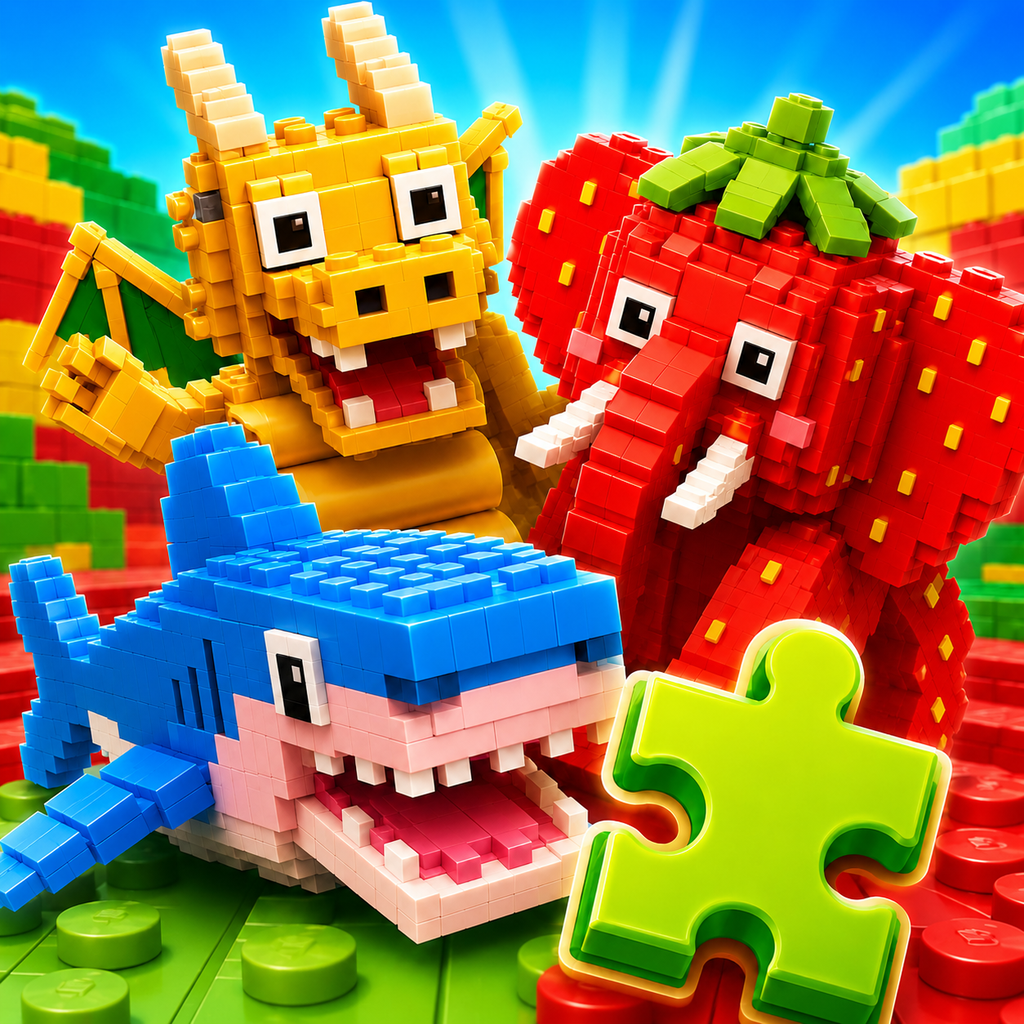
Quick, Brainrot-style sliding puzzles on iPhone and iPad. Choose a 3×3, 5×5, or 7×7 challenge.

Scan a receipt and see which Pal appears. Each receipt creates its own character, turning everyday shopping into a collection that keeps growing.

Survive high-pressure sales meetings with short QBR role-play sessions and a scenario about deals that slip.

See approximate 5, 10, and 15 minute walking areas from your current location, a selected map point, or a searched place.

Speak naturally, review the transcript, and save your thoughts as notes, tasks, or shopping items with on-device speech recognition.

Prepare photos and videos for everyday sharing with local conversion on your Mac, Finder right-click access, and batch naming.

Automatically organize screenshots and screen recordings in a selected folder with local OCR, safer names, history, undo, and a Markdown index.

Check Zoom Workplace update guidance, meeting devices, and settings before occasional external calls.

Create clearer requests for ChatGPT, Claude, Gemini, and other generative AI services while keeping your source text local on your device.

Start with 24 questions, discover your LifeMatch 12 pair type, invite your partner by QR or answer together on one device, and turn differences into conversation.

Combine photos, maps, arrows, QR codes, and route steps to explain the exact meeting point and the last few steps to reach it.

Explore 180 classic public-domain artworks through 540 Easy, Normal, and Hard puzzles, plus Today’s Gallery, Weekly Exhibition, and My Gallery.

Rediscover ten photos at a time with Today’s 10, On This Day memories, See Again marks, month-based review, sharing, and gentle cleanup.

Find things around you, match five prompts in 60 seconds, create a photo summary, and play at home with family.