1. Import existing materials
Start with a camera capture, photo, or PDF. The app analyzes text locally and prepares masks over selected terms without reformatting the page into separate flashcards.
Use your original textbooks, worksheets, notes, photos, and PDFs for recall practice. The app makes masks on your device, offers automatic review, and helps you return to saved material without rebuilding it as flashcards.
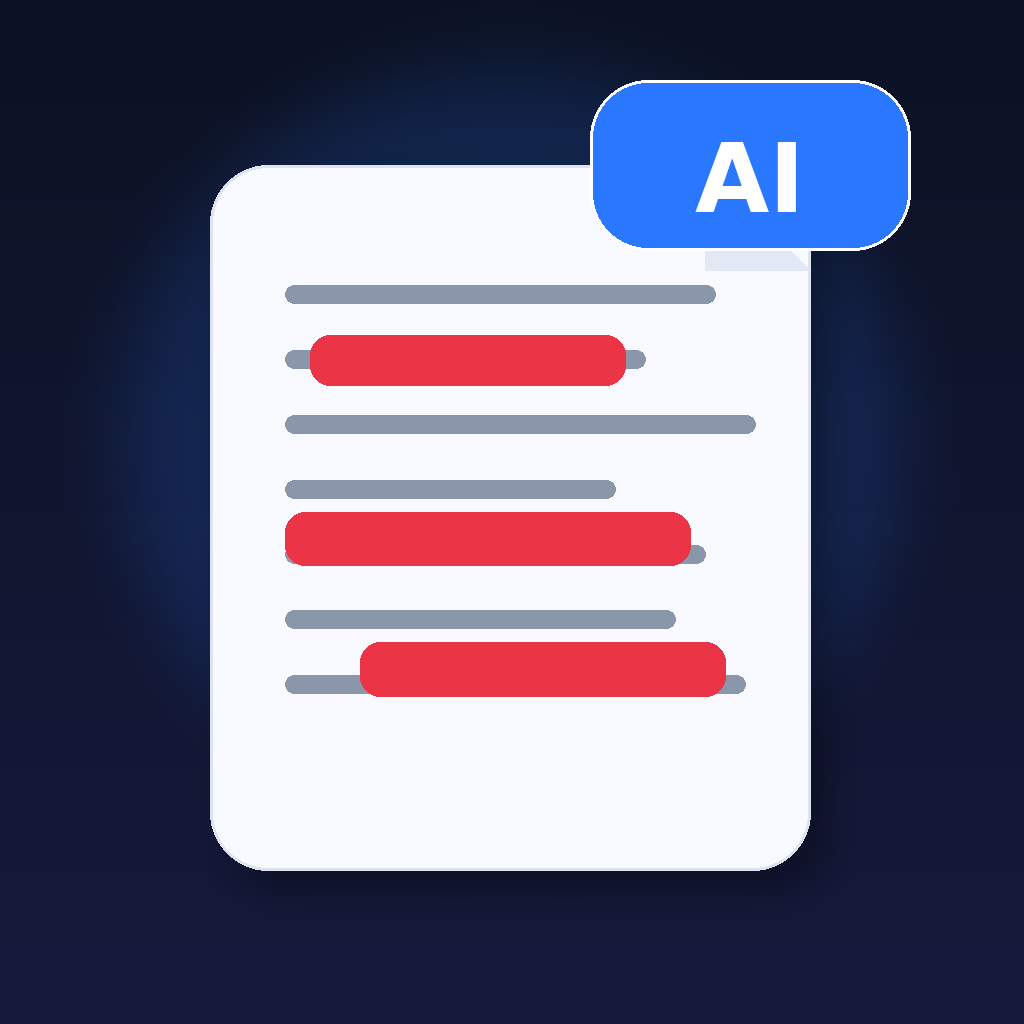
An everyday study cycle
Instead of retyping your notes into new cards, import the worksheet, textbook page, or PDF you already use. AI Study Sheet identifies terms to hide on the original page, so the visual arrangement of the source material remains familiar.
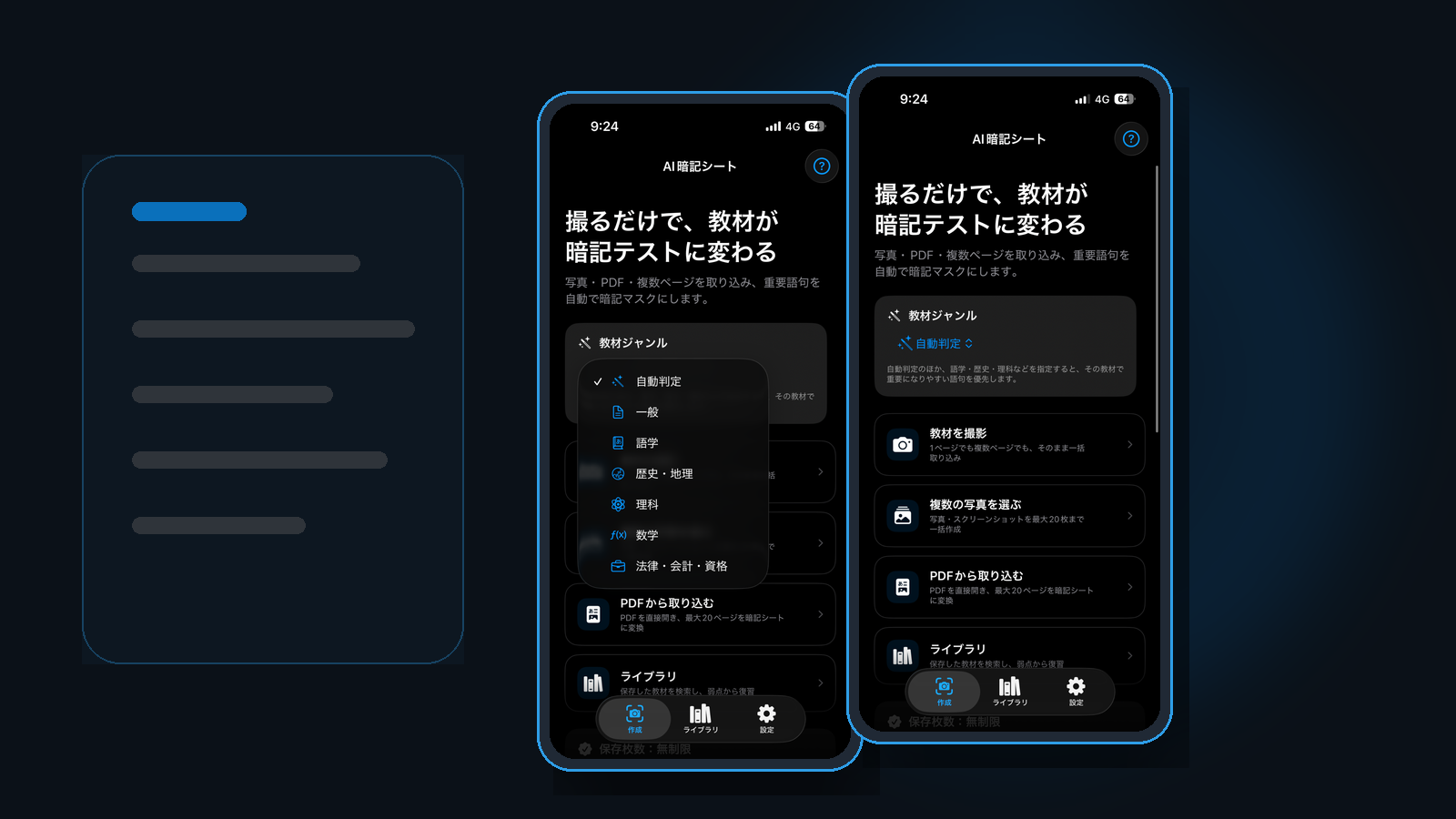
Start with a camera capture, photo, or PDF. The app analyzes text locally and prepares masks over selected terms without reformatting the page into separate flashcards.
Review masked terms in the app's study modes, including an automatic flow that reveals answers after a short interval. Set how many masks to work through together in Auto mode.
Optional review notifications lead back into practice. Home separates ordinary study from review progress, and study history records when and how much you studied.
Organize pages, resume unfinished learning, back up saved study material, and share compatible study materials with someone else instead of recreating the source.
The source image is still the study surface. An existing diagram, document layout, or worksheet remains visible as the app masks selected terms. The focus is on recalling the information; you can adjust masks when a particular page needs more control.
Automatic selection and OCR are not infallible; review important materials before relying on them for an exam. Processing takes place on your device. See supported materials and limitations.
Mask geometry is now corrected more defensively when visual elements such as underlines interfere with OCR positioning, helping masks stay aligned with the recognized text.
With “Keep mask position after reveal” enabled, revealed masks remain visible as thin outlines for both individual reveal and Show All. Turn it off if you prefer the revealed area to disappear completely.
In Set Masks Manually, drag horizontally across the exact area you want to hide. Vertical dragging moves horizontally written materials, including PDFs, so you can navigate without accidentally creating a mask.
Recently opened materials are easier to reach from Home, so you can continue studying without first searching through the library.
Import a photo, camera capture, or PDF. Standard mode recognizes text and selects useful terms to mask. You can choose Fewer, Standard, More, or Before a test depending on how much you want hidden.
Keep the AI-generated masks as a starting point, then add or remove candidates to finish the sheet the way you want. You do not need to rebuild the page from scratch.
If you prefer full control, start with no active masks and draw the areas yourself. OCR candidates remain available underneath, and you can return to the AI selection when needed.
A dedicated mode detects materials that already contain red or orange text, highlighting, or similar markings. It uses those existing visual cues and does not restore text that is fully hidden in the source image.
PDF pages are processed in order, so you can start with pages that are ready. Pause, resume, or retry an import when needed. Free save slots, device storage, and document size still apply.
Study in order, randomly, or with weak points first. Choose 10, 20, 50, or all questions, resume an unfinished session, and use folders or search to narrow the material.
Send study materials in AI Study Sheet format from the paid version. Recipients can receive shared materials even on the free version, subject to their available save slots.
Search titles, notes, recognized text, and terms. Organize materials with folders and back up pages, images, masks, and study history together.
Start with three free saved pages. Complete your first study session to permanently expand the free limit to 10. Reserved slots and active drafts also affect available capacity.
Unlimited Saves removes the saved-page limit with a one-time purchase and no subscription. Check the price displayed in the App Store before purchase in your region.
Key-term detection has been expanded across Japanese, English, Chinese, Korean, Spanish, French, German, Italian, and Portuguese to better support different study subjects.
The interface supports English, Japanese, Simplified and Traditional Chinese, Korean, Spanish, French, German, Italian, and Brazilian Portuguese.
Material images, recognized text, key terms, masks, and saved data are processed on your device. Study materials are not uploaded to external AI services or Toybird Labs servers. Exporting a backup or sharing sends data only to the destination you choose.
Privacy PolicyiPhone or iPad with iOS / iPadOS 16 or later. iOS / iPadOS 26 or later can use newer document recognition. Background processing is used only on supported devices when permitted by the OS. Otherwise, keep the app open or return to resume processing.